 Picture-Line
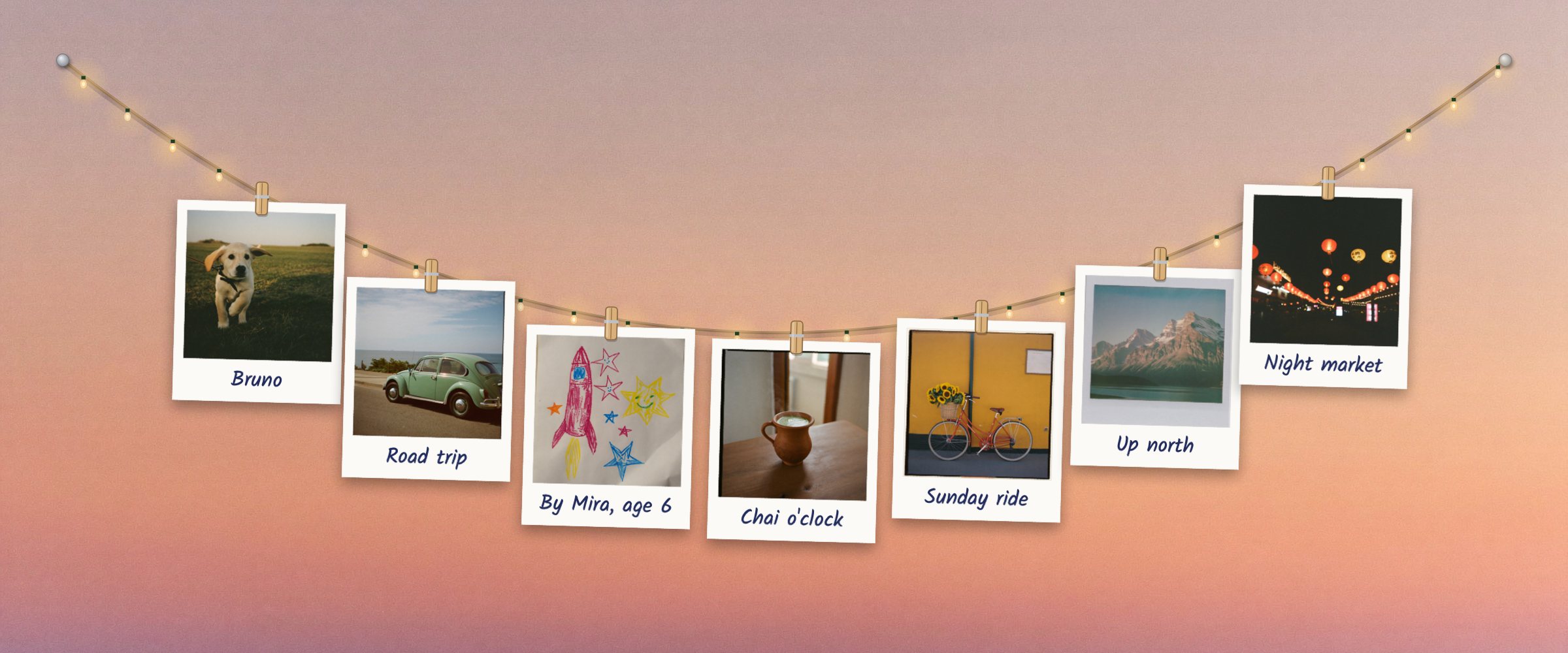
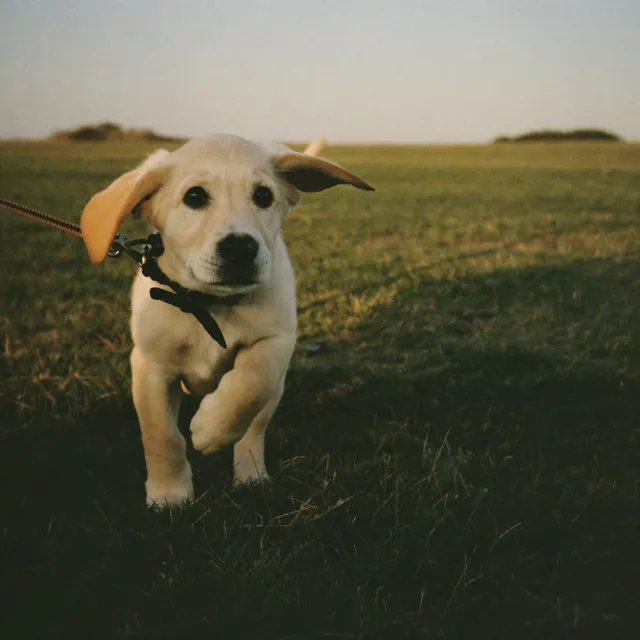
- Bruno: A golden puppy bounding towards the camera across a grassy field. On the back: Eleven weeks old. Already eats shoes.
- Road trip: A mint-green vintage car parked on a coast road with the sea behind it. On the back: Coast road, windows down, no plan at all.
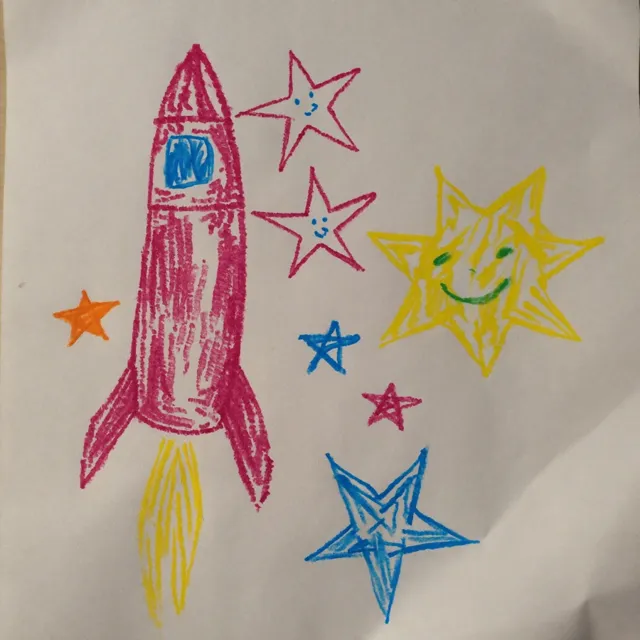
- By Mira, age 6: A child's crayon drawing of a pink rocket, blue stars and a smiling sun. On the back: A rocket for Papa, so he can visit the sun.
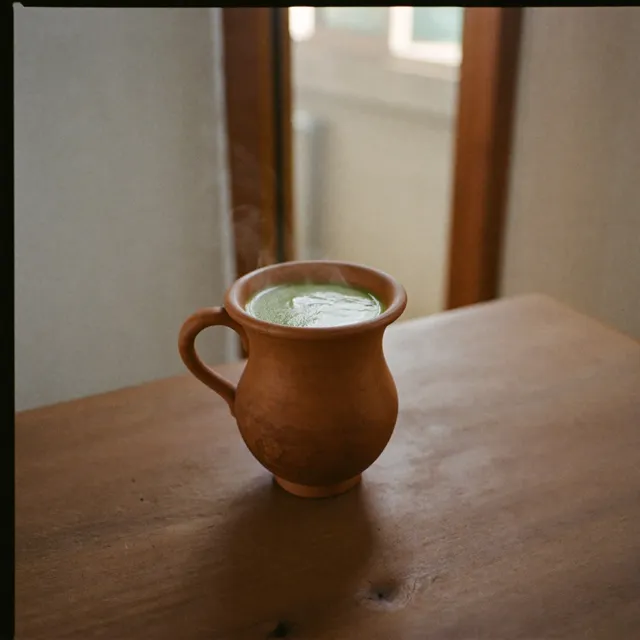
- Chai o'clock: Chai in a clay kulhad cup on a wooden table by a window. On the back: Kulhad chai at four. Every single day.
- Sunday ride: A red bicycle with a basket of sunflowers against a yellow wall. On the back: Sunflowers from the market, wobbly ride home.
- Up north: Snow-capped mountains above a still lake. On the back: So cold we wore every sock we packed.
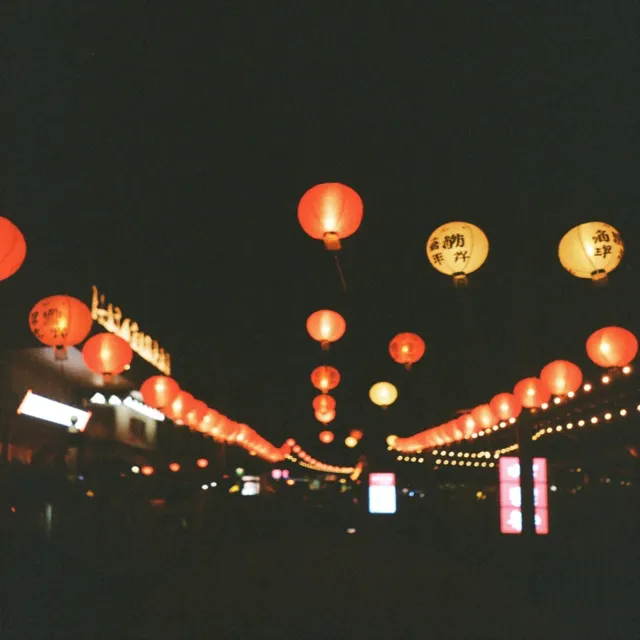
- Night market: Red paper lanterns glowing over a street market at night. On the back: Lanterns, kulfi and far too many momos.
Keep your people in sight.
Picture-Line hangs your favourite photos on a string across your Mac desktop, just behind your windows. Each one sits in a wooden clip and swings when your pointer brushes past.
try the lights, or a festival
A washing line for your photos.
Most of the photos we love live in an album we rarely open. Picture-Line puts a handful of them where you'll actually see them: on your Mac desktop, clipped to a length of twine like prints drying on a line.
It's a small, quiet thing. Drag in the faces you miss, write a word or two underneath, and get on with your day. When you glance at the desktop, they're there.
Try the string at the top of this page. Everything works the same way in the app.
- Drag photos onto the string
- From Finder, Photos or a web page. They snap into a wooden clip wherever you let go.
- Double-click a photo
- It turns over so you can read the note on the back.
- Press and hold
- The photo lifts off the string and comes up large.
- Scroll over a photo
- Makes that one bigger or smaller.
- Pull the string, tap ⌥ twice
- Leaves a nail where you're holding it, so the string hangs in two loops, or three.
- Hold ⌃ ⌥
- Brings the string in front of your windows until you let go.
- Right-click a photo
- Write a caption, a note for the back, or the birthday of whoever's in it.
This is what it looks like on your Mac.
Your wallpaper stays as it is. The string hangs in front of it, and your apps sit in front of the string.
It stays behind your work.
Picture-Line lives on the desktop itself, under every window. It's there whenever you clear your windows away or glance past a document, and out of your way the rest of the time.
Want a look without moving anything? Hold ⌃ Control and ⌥ Option and the string comes forward until you let go.
Little things it does on its own.
Photos develop
New photos start as a milky white frame and slowly come up in colour, the way instant film does.
Fairy lights at sunset
A row of small lights switches on at dusk where you are, and goes off again in the morning.
A breeze when you step away
Leave your Mac idle for a while and the string sways gently, as if someone left a window open.
Festivals, on their dates with the unlock
Diyas for Diwali, colour for Holi, stars and snow that settles on the string at Christmas. They arrive on the right days and pack themselves away after.
Birthdays with the unlock
Add a birthday to a photo and on the day it glows softly while a little confetti falls.
Captions in a real hand
Write on the front and leave a note on the back. The unlock adds four more handwritings, plus colours for the string, clips and frames.
Free to try. Pay once to unlock.
Use the free version for as long as you like. If the string earns its place on your desktop, unlock the rest with a single payment.
Free
$0
- Up to 5 photos
- Fairy lights at sunset
- The idle breeze
- Nails for extra loops
- Captions and notes on the back
Unlock
$4.99once, or ₹399 in India
- Up to 12 photos
- Diwali diyas, Holi colours, and Christmas stars with snow that settles on the string
- Birthday glow and confetti
- String and clip colours
- Frames
- Five handwritings
No subscription and no account. Your licence key shows up on screen straight after paying. Changed your mind? Write within 7 days for a full refund.
Show us your string.
Once your people are up, take a screenshot of your string (press ⇧⌘4, then drag over it) and share it on X with #PictureLine and tag @kshitijkoranne. Now and then I'll feature a few favourites here, with the owner's permission.
your dog?
Sunday lunch
Nani's kitchen
first day of school
the trip you still talk about
this could be yours
Questions people ask.
Do my photos get uploaded anywhere?
No. Picture-Line works entirely on your Mac. Your photos, captions and notes stay on your Mac, there's no account to make, and the app doesn't send analytics or talk to any server.
Which Macs does it run on?
Macs with Apple silicon (M1 and later) running macOS 14 Sonoma or newer. Intel Macs aren't supported.
Will it get in the way while I work?
It hangs on the desktop, behind every window, so your apps stay exactly where they are. Hold ⌃ ⌥ to bring the string forward for a moment, or choose Keep String in Front of Windows from its menu bar icon.
What do I get for free, and what does the unlock add?
Free: up to 5 photos, fairy lights at sunset, the idle breeze, nails for extra loops, captions and notes. The $4.99 unlock (₹399 in India) adds up to 12 photos, Diwali, Holi and Christmas decorations, birthday glow and confetti, string and clip colours, frames and five handwritings.
Is it a subscription?
No. You pay once and the unlock is yours. There's no account and nothing renews.
How do I pay from India?
Choose ₹399 with UPI or card. Checkout is handled by Razorpay and supports UPI, cards and netbanking. Your licence key appears on screen the moment the payment goes through.
Why does it ask for my location?
Only to work out when the sun sets where you are, so the fairy lights come on at dusk. It stays on your Mac. You can say no and switch the lights to always on, or off, in Settings.
Does it slow my Mac down?
When nothing on the string is moving, Picture-Line stops drawing altogether. It only wakes up when your pointer comes near, the breeze starts, or the lights twinkle.
I lost my licence key.
Enter your Razorpay payment ID on the find my key page and you'll get the same key again. The payment ID is in the receipt email from Razorpay. Or write to kjrlabs9@gmail.com.
Can I get a refund?
Yes. Write within 7 days of buying and you'll get your money back, no questions asked. See the refund policy.
Something else? Write to kjrlabs9@gmail.com. A person reads every email.
Hang your first photo tonight.
Download it, open it, drag a photo onto the string. Free for up to five photos.